
apt install aptitude tasksel
aptitude install ~t^desktop$ ~t^kde-desktop$

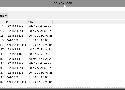
J’ai réalisé un script en PowerShell dont l’objet est de scanner votre réseau par des ping et de consigner les données de la table ARP dans un fichier de logs. Sont exclus toutes les machines distantes dont que le pare-feu ne bloque le protocole ICMP en entrée.
Clear
#fichier de logs
$logfile='d:\arp.log'
$logs=@()
$cmd=@()
#Récupération du contenu du fichier de logs existant
If(Test-Path -Path $logfile)
{
    $logs+=Import-CSV -Path $logfile
}
$date=Get-Date
#Balayage par ping du réseau 192.168.1.0/24
For($i=1;$i -lt 255;$i++)
{
    $ping=ping 192.168.1.$i -n 1 -w 5
    #Récupération de la commande arp -a toutes les 60 secondes
    If($date.AddSeconds(60) -lt (Get-Date))
    {
        $cmd+=arp -a
        $date=Get-Date
    }
}
$cmd+=arp -a
#Elimination des doublons du fait de l'exécution régulière de arp -a
$cmd=$cmd|Sort -Unique
#Récupération des adresses ip et mac
ForEach($row in $cmd)
{
    If($row -match '^ +([0-9\.]+) +([0-9a-f\-]+) +[a-z]+ +$')
    {
        $ip=$Matches[1]
        $mac=$Matches[2]
        $logs+=[PSCustomObject]@{date=$date;ip=$ip;mac=$mac}
    }
}
#Sauvegarde des données de la table arp dans le fichier de logs
$logs| Export-CSV -NoTypeInformation -Path $logfile
#Facultatif : affichage des résultats si vous exécutez le script en mode interactif
$logs|Out-GridView -Title 'Log Arp Scan'
$logs=$null

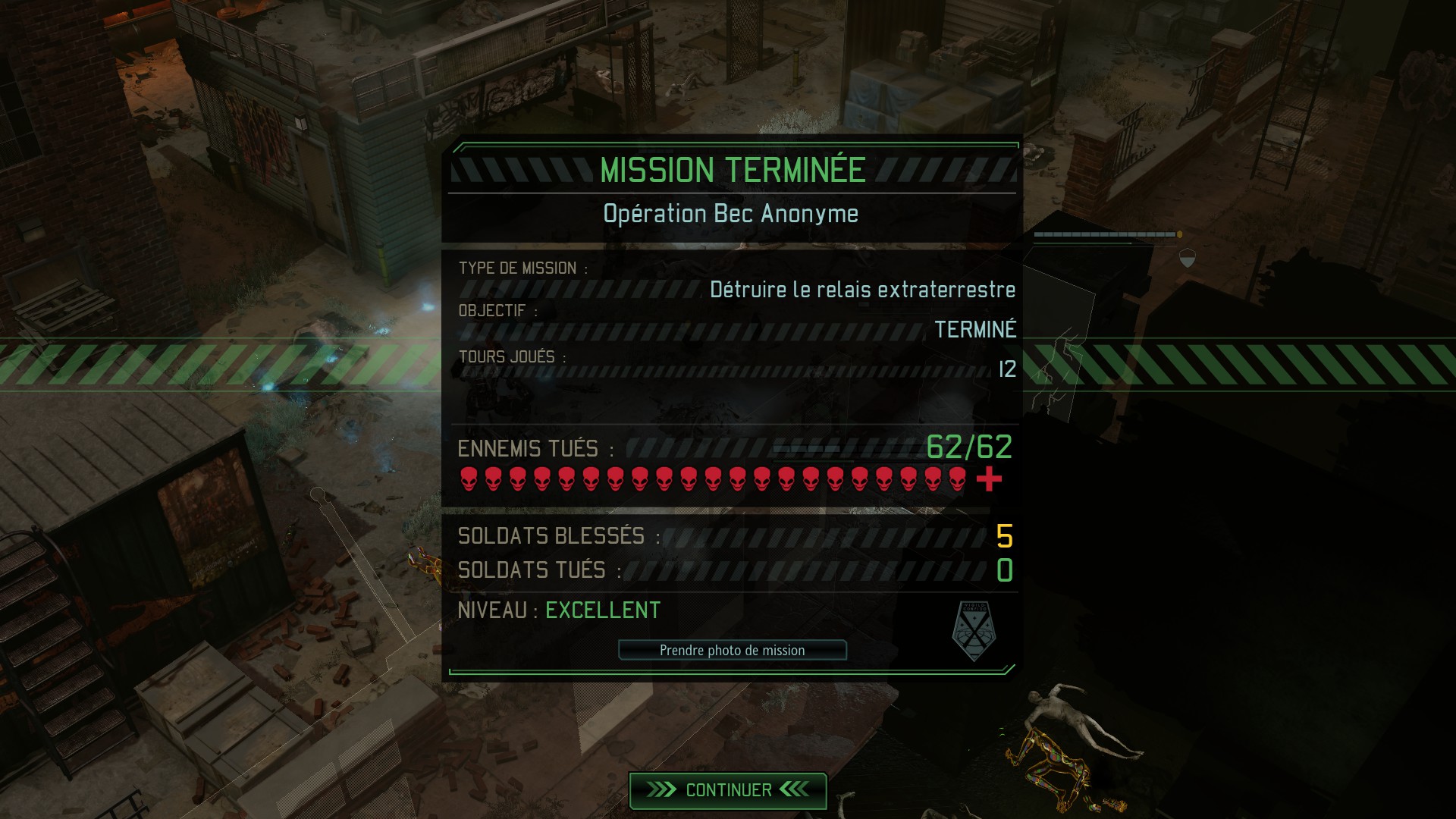
Oui, avec les zombies, ça fait beaucoup d'unités par mission. Gros aie.

The newfound free speech crusaders borne of the January 2015 murders of 10 Charlie Hebdo cartoonists in Paris sought to promulgate a new and quite dangerous standard. It was no longer enough to defend someone’s right to express their ideas while being free to condemn those ideas themselves — long the central tenet of the free speech movement (I defend their right to free speech even while finding them and their ideas repugnant). In the wake of the Hebdo killings, one had to go much further than that: It was a moral imperative to embrace and celebrate the ideas under attack and to glorify those who were expressing them, even to declare ourselves to be them (#JeSuisCharlie).

Microsoft confirmed today that the next feature update for the company's Windows 10 operating system, the Fall creators Update, will be out on October 17th, 2017.
Daté.
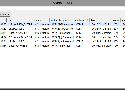
#Déclaration d'une whitelist de bornes connues
$whitelist='18:a6:f7:c4:a2:7e','a4:08:f5:4b:ac:5a'
#Le fichier de log
$logfile='d:\ssid.log'
$logs=@()
#Récupération du contenu du fichier existant
If(Test-Path -Path $logfile)
{
    $logs+=Import-CSV -Path $logfile
}
$date=Get-Date
#Scan des SSIDs et des BSSIDs
$cmd=netsh wlan show networks mode=bssid
$n=$cmd.Count
For($i=0;$i -lt $n;$i++)
{
    If($cmd[$i] -Match '^SSID[^:]+:.(.*)$')
    {
        $ssid=$Matches[1]
        $i++
        $bool=$cmd[$i] -Match 'Type[^:]+:.(.+)$'
        $reseau=$Matches[1]
        $i++
        $bool=$cmd[$i] -Match 'Authentification[^:]+:.(.+)$'
        $authent=$Matches[1]
        $i++
        $bool=$cmd[$i] -Match 'Chiffrement[^:]+:.(.+)$'
        $chiffrement=$Matches[1]
        $i++
        While($cmd[$i] -Match 'BSSID[^:]+:.(.+)$')
        {
            $bssid=$Matches[1]
            $i++
            $bool=$cmd[$i] -Match 'Signal[^:]+:.(.+)$'
            $signal=$Matches[1]
            $i++
            $bool=$cmd[$i] -Match 'Type[^:]+:.(.+)$'
            $radio=$Matches[1]
            $i++
            $bool=$cmd[$i] -Match 'Canal[^:]+:.(.+)$'
            $canal=$Matches[1]
            $i=$i+2
            If($bssid -notin $whitelist)
            {
                #Consignation des BSSIDs et des SSIDs
                $logs+=[PSCustomObject]@{date=$date;ssid=$ssid;reseau=$reseau;authentification=$authent;chiffrement=$chiffrement;bssid=$bssid;signal=$signal;radio=$radio;canal=$canal}
            }
        }
    }
}
$cmd=$null
#Sauvegarde dans le fichier de logs
If($logs)
{
    $logs| Export-CSV -NoTypeInformation -Path $logfile
    #Facultatif : affichage des résultats si vous exécutez le script en mode interactif
    $logs|Out-GridView -Title 'Log Scan Wifi'
}
$logs=$null
Dimitri Kourtchine retrace la folle épopée de la cassette vidéo à travers le monde. "Révolution VHS", c'est ce soir à 22h25, sur Arte.

Via river.

Ezgif.com is simple online GIF maker and toolset for basic animated GIF editing.
Here you can create, resize, crop, reverse, optimize, and apply some effects to gifs.
Via river.
Tuto complet installation Cryptpad sur CentOS.

parallel --gnu -a links.txt wget
Pour télécharger en parallèle toute une liste d'urls depuis un fichier rapidement avec wget (si les téléchargements plantent avec un %0D rajouté à la fin de vos url, convertissez les fins de ligne du fichier source en mode UNIX).

Bienvenue sur le dispositif d’assistance aux victimes d’actes de cybermalveillance.

Une Gran Torino écarlate, deux flics bravaches, un L.A. bercé par les seventies et une bande-originale fleurant bon la soul Motown et le blues : Starsky et Hutch est une série pataude, ringarde mais légendaire. Un monde déchu que veut ramener James Gunn, le réalisateur des Gardiens de la Galaxie. Pour Amazon.
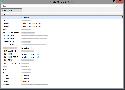
Suite à une formation Wifi donnée à Olivier, j’ai réalisé plusieurs scripts écrits en PowerShell. Celui que je vais vous présenter a pour objet de récupérer toutes les clés de sécurité Wifi associées aux SSIDs stockés sur un système Windows.
$wifi=@()
#Visualisation des réseaux bloqués
$cmd0=netsh wlan show blockednetworks
#Liste des SSID
$cmd1=netsh wlan show profiles
ForEach($row1 in $cmd1)
{
    #Récupération des ssids par expression régulière
    If($row1 -match 'Profil Tous les utilisateurs[^:]+:.(.+)$')
    {
        $ssid=$Matches[1]
        $cmd2=netsh wlan show profiles $ssid key=clear
        ForEach($row2 in $cmd2)
        {
            #Récupération des clés par expression régulière
            If($row2 -match 'Contenu de la c[^:]+:.(.+)$')
            {
                $key=$Matches[1]
                #Stockage des ssids et des clés dans un tableau
                $wifi+=[PSCustomObject]@{ssid=$ssid;key=$key}
            }
        }
    }
}
#Export du tableau dans un fichier csv
$wifi|Export-CSV -Path 'c:\wifi.csv' -NoTypeInformation
#Visualisation du tableau
$wifi|Sort -Property ssid|Out-GridView -Title 'Clés des SSID du poste'
Pour l'affichage, c'est du :
Import-Csv c:\wifi.csv | Out-GridView